
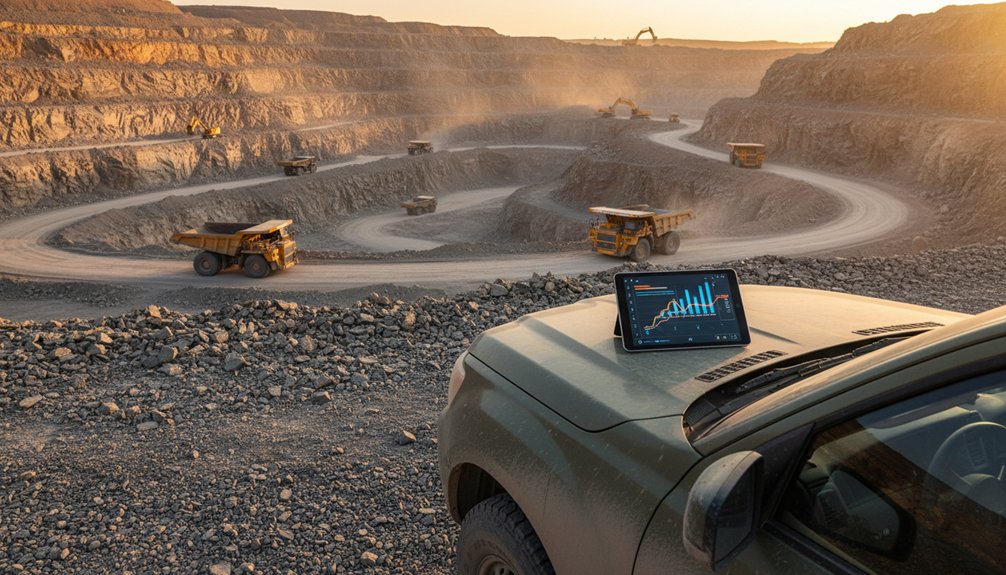
Your quarry fleet generates valuable data every shift, but telematics turns that data into operational control. You can track vehicle locations, monitor machine health, improve dispatching, measure productivity, reduce fuel waste, and identify unsafe operator behavior from one connected platform. When you integrate these insights with maintenance, production, and business systems, you’ll make faster decisions with fewer assumptions. The challenge is choosing the right technology and putting it to work effectively—starting with the capabilities that matter most.
Key Takeaways
- Monitor equipment location, utilization, fuel consumption, payloads, cycle times, and idle periods through centralized real-time dashboards.
- Use machine-health data, fault codes, temperatures, pressures, and vibration trends to schedule predictive maintenance and prevent costly failures.
- Improve dispatch efficiency by matching available equipment with workloads, optimizing routes, reducing deadhead travel, and eliminating production bottlenecks.
- Strengthen quarry safety by identifying speeding, harsh braking, high-risk routes, incident clusters, and unauthorized movements requiring targeted interventions.
- Integrate telematics with maintenance, ERP, dispatch, and production systems to standardize data, automate alerts, and support faster decisions.
Understand Quarry Fleet Telematics
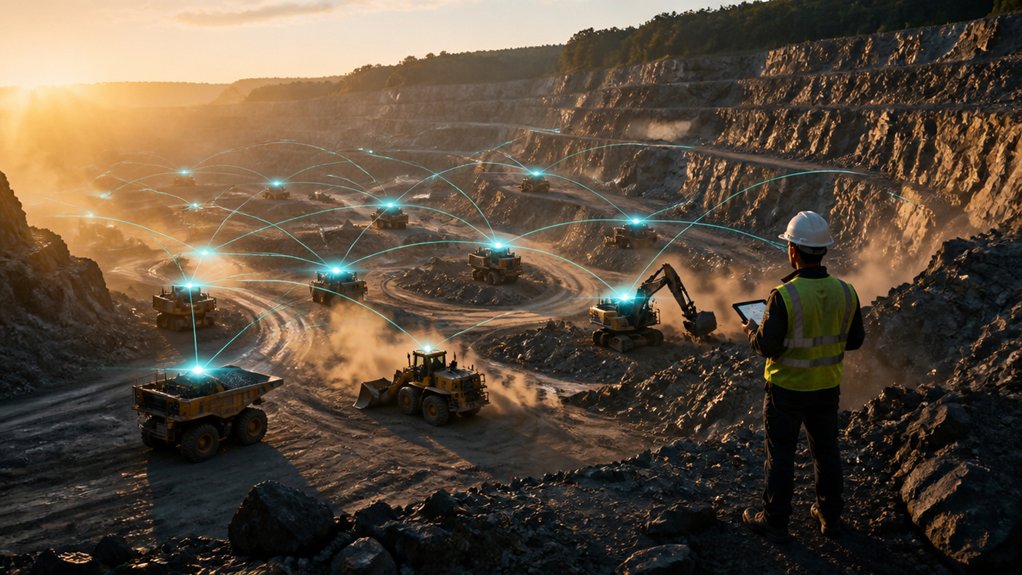
Quarry fleet telematics combines GPS, machine sensors, payload systems, and wireless communications to monitor mobile equipment in real time. You use this connected platform to collect operating data from haul trucks, loaders, excavators, and support assets. Sensors report engine hours, fuel consumption, idle time, fault codes, temperatures, pressures, and utilization.
The system then sends information to a secure dashboard, where you can identify mechanical trends, compare performance, and schedule service according to actual conditions rather than fixed intervals. This approach strengthens Fleet maintenance by supporting preventive work, reducing unplanned failures, and improving parts planning.
You’ll also need strong data security, including user permissions, encrypted transmissions, software updates, and reliable backup procedures. Integrate telematics with maintenance, dispatch, and reporting systems to turn raw machine data into practical decisions.
See Every Vehicle’s Location and Status
Once telematics connects your fleet, you can view each vehicle’s location, operating status, and movement history from a central dashboard. GPS positions update continuously, while engine data shows ignition state, idle time, speed, and utilization.
You can confirm whether haul trucks, loaders, water trucks, or service vehicles are working, parked, or moving across the quarry and access roads. Geofences identify entries, exits, and unauthorized movement, helping you verify asset activity without relying on radio updates.
Historical trip records reveal route patterns, stop durations, and operating hours for production analysis. You can also connect location data with Vehicle maintenance schedules, using engine hours and usage records to plan inspections.
Performance trends support driver performance reviews by showing speeding, harsh braking, excessive idling, and other measurable behaviors.
Dispatch Trucks and Equipment More Efficiently
With live location and status data, you can dispatch trucks and equipment according to actual availability, proximity, and workload. Telematics helps you match haul units with loading points, crushers, stockpiles, and service areas while reducing radio traffic and unnecessary travel.
You can assign the nearest suitable machine, account for payload capacity, and reroute operators when conditions change. Geofences and automated alerts can flag arrivals, departures, idle units, or restricted-area entries, giving dispatchers timely control without constant manual check-ins.
Integrate dispatch records with fleet maintenance schedules so you won’t send equipment due for inspection or repair into production. Use data analytics to identify recurring delays, improve staging plans, and balance assignments across shifts.
With cleaner coordination, you’ll reduce deadhead miles, prevent avoidable bottlenecks, and keep material moving safely through the quarry.
Track Equipment Productivity in Real Time
Better dispatching gets equipment where it needs to go; real-time productivity tracking shows what each unit accomplishes once it arrives. Telematics captures cycle times, payload events, idle periods, operating hours, and attachment use, then presents those metrics on a dashboard.
You can compare excavator production against planned targets, identify bottlenecks, and reassign machines before delays compound. Site supervisors can verify truck turnaround times and loader utilization without relying on radio updates or handwritten logs.
Set alerts for excessive idle time, abnormal cycle duration, or underused assets, and use the findings to improve crew coordination. Productivity records also strengthen Equipment maintenance planning by linking workload and engine hours to service intervals.
Protect operational visibility with role-based access, encryption, and disciplined data security. Review trends daily, document corrective actions, and keep production moving.
Cut Quarry Fuel Costs With Telematics
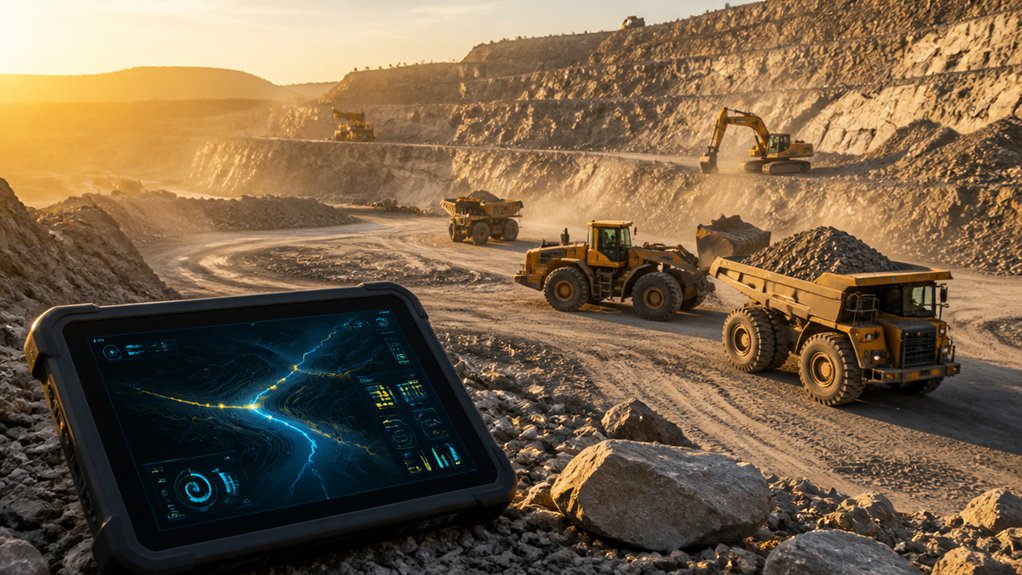
Fuel is often one of a quarry’s largest controllable operating costs, and telematics shows where consumption is rising. Use machine-level fuel data to compare haul trucks, loaders, and excavators across shifts, operators, routes, and material movements.
Excessive idling, aggressive acceleration, inefficient travel paths, and underloaded or overloaded trucks quickly become visible. Set alerts for idle time and investigate exceptions through daily dashboards rather than relying on estimates.
You can then adjust dispatching, operator practices, payload targets, and haul-road planning to improve fuel efficiency without sacrificing production. Integrate fuel-rate readings with cycle-time and location data to identify high-consumption tasks and verify savings after changes.
Lower diesel use also reduces your environmental impact, emissions, and operating costs. Review trends weekly, coach crews with specific evidence, and track results against production output.
Prevent Downtime With Equipment Health Data
The same telematics data that exposes fuel waste can warn you about equipment health problems before they stop production. Monitor engine temperatures, oil pressure, hydraulic loads, fault codes, battery voltage, and vibration trends from a central dashboard. You’ll see conditions that indicate blocked filters, cooling-system restrictions, hydraulic leaks, or developing component failures.
Use Equipment diagnostics to compare real-time readings with manufacturer thresholds and historical performance. When a parameter moves outside its normal range, your maintenance team can inspect the machine during a planned service window instead of reacting to an expensive breakdown.
Predictive maintenance also helps you prioritize work by failure risk, parts availability, and machine criticality. Set alerts for recurring faults, document corrective actions, and verify repair results through subsequent telematics data. This process protects production schedules, extends component life, and improves fleet availability without guesswork.
Improve Quarry Safety With Operator Data
Use operator data to monitor behaviors such as speeding, harsh braking, and seatbelt compliance across haul routes.
You’ll identify recurring safety risks, pinpoint high-risk locations or shifts, and target corrective action.
Pair these insights with coaching and clear operating standards to reduce incidents.
Monitor Operator Behavior
By analyzing telematics, access logs, and equipment-event data, you can identify risky operator behaviors before they lead to incidents. Track harsh braking, excessive speed, rapid acceleration, unauthorized use, seat-belt alerts, and prolonged idling by operator, machine, shift, and location.
Establish behavior baselines, then review exception reports instead of relying on anecdotal observations. You’ll see which actions require immediate coaching and which indicate inconsistent operating practices.
Use recorded trends during toolbox talks and one-to-one reviews, keeping feedback factual, timely, and specific. Recognize operators who consistently follow procedures, because positive reinforcement supports lasting improvement.
Link findings to Operator training plans, refresher sessions, and competency assessments. Document corrective actions and verify completion through later reports.
Maintain secure records to support audits and demonstrate adherence to Compliance standards.
Identify Safety Risks
Operator behavior data can also reveal broader safety risks across the quarry. Use telematics to identify repeated speeding, harsh braking, seatbelt violations, excessive idling, or operation in restricted zones.
Map these events against haul roads, loading areas, shift times, and equipment types to expose recurring hazards rather than isolated mistakes.
You can then prioritize corrective action with evidence. Review high-risk routes, improve signage, adjust traffic controls, and schedule targeted inspections where incidents cluster.
Pair alerts with Worker training that addresses specific behaviors, machine limits, fatigue indicators, and site conditions. Update Safety protocols when data shows that existing controls aren’t working.
Set measurable thresholds, assign supervisors follow-up actions, and track trends through dashboards.
When risky behavior declines after an intervention, you’ll know the control works. If it doesn’t, refine your response.
Connect Telematics to Quarry Business Systems
Connect your telematics platform with ERP, maintenance, dispatch, and production systems to link equipment data with business workflows.
You’ll centralize operational data, giving teams one reliable view of utilization, costs, production, and machine health.
Automated performance reporting then reduces manual analysis and supports faster, evidence-based decisions.
Integrate Business Software
When telematics feeds your quarry’s business software, you gain a unified view of equipment utilization, production, fuel use, maintenance, and costs.
Connect your fleet platform with accounting, enterprise resource planning (ERP), dispatch, maintenance, and production-management applications through application programming interfaces (APIs).
Effective data integration transfers verified engine hours, location, payload, idle time, fuel consumption, fault codes, and service events into the systems your teams already use.
Configure software synchronization to match asset IDs, operating-hour rules, cost centers, and maintenance intervals across platforms.
You’ll reduce duplicate entry, improve job costing, and trigger work orders when equipment reaches service thresholds.
Define data ownership, access permissions, update frequency, and exception handling before deployment.
Test each interface with real quarry scenarios, then monitor transfer errors and reconcile records regularly.
Centralize Operational Data
With integrations in place, centralize the quarry’s operational data in a controlled business system that gives production, maintenance, dispatch, and finance teams one reliable view. Connect telematics feeds with your ERP, maintenance software, inventory records, and dispatch platform so authorized users can access consistent machine hours, fuel use, location, payload, and work-order information.
Standardize asset IDs, timestamps, units, and operating codes before data enters core systems. You’ll improve data accuracy by validating readings, removing duplicates, and defining ownership for corrections.
Apply role-based access, encryption, network segmentation, audit logs, and other cybersecurity measures to protect fleet and commercial information. Keep critical data synchronized through dependable APIs and documented integration rules.
With one governed source, you can coordinate decisions confidently without forcing teams to reconcile disconnected spreadsheets or duplicate records.
Automate Performance Reporting
Once your telematics, ERP, maintenance, inventory, and dispatch data share standardized fields, automate reports that turn equipment activity into quarry performance metrics.
Build dashboards for utilization, idle time, fuel burn, payload, cycle time, availability, and cost per ton. Schedule daily summaries for supervisors and weekly trend reports for operations managers, maintenance planners, and finance teams.
With system integration, your reporting workflow can compare engine hours against work orders, fuel transactions against production, and truck cycles against dispatch records.
Configure exception alerts for excessive idling, missed services, abnormal fuel consumption, or declining availability.
Protect Data accuracy by validating timestamps, asset IDs, meter readings, and production units before calculations run.
You’ll replace spreadsheet consolidation with consistent, auditable information that supports faster decisions, tighter cost control, and measurable fleet improvement.
Choose a Telematics Platform for Quarry Operations
Choosing a telematics platform for quarry operations requires more than comparing tracking features—you need a system that converts machine, production, and site data into actionable decisions.
Prioritize coverage across loaders, excavators, haul trucks, crushers, and support equipment, including mixed-brand fleets. Confirm the platform captures engine hours, fuel burn, payload, idle time, fault codes, location, and utilization at useful intervals.
Look for dashboards that connect fleet activity with production targets, maintenance indicators, and cost metrics without forcing you to reconcile disconnected reports.
Evaluate integration with dispatch, maintenance, fuel-management, and accounting systems.
Check data ownership, role-based access, encryption, retention policies, and data privacy controls.
Finally, assess platform scalability: it should support additional sites, assets, users, sensors, and analytical workloads without costly redesign or performance loss. Ensure APIs and export tools preserve flexibility.
Launch a Successful Telematics Program
A well-chosen telematics platform only creates value when your quarry can turn its data into consistent operating practices. Start with a defined rollout plan: select priority assets, establish baseline measures, and assign ownership for each response.
Train dispatchers, supervisors, mechanics, and operators to interpret alerts and follow documented workflows. Configure geofences, utilization thresholds, inspection reminders, and automated notifications around your actual haul routes and production targets.
Integrate telematics with Fleet maintenance scheduling so engine hours, fault codes, and service intervals trigger work orders before failures disrupt production. Review dashboards weekly, then refine thresholds as operating conditions change.
Protect adoption by explaining how data supports safety, uptime, and cost control—not surveillance. Enforce role-based access, strong passwords, device controls, and retention policies to maintain data security.
Measure results through availability, idle time, fuel consumption, and repair costs.
Frequently Asked Questions
How Much Does Quarry Telematics Software Typically Cost?
You’ll typically pay $20–$150 per vehicle monthly for quarry telematics software, plus hardware, installation, and support. Cost considerations include fleet size and features, while Software licensing models vary between subscriptions and perpetual agreements.
Can Telematics Work in Remote Quarries With Limited Cellular Coverage?
Can telematics work where cellular service is weak? Yes—you can use satellite links, store-and-forward devices, and Remote connectivity options. Signal boosters improve coverage, while onboard systems cache data and synchronize automatically whenever connectivity returns.
What Data Privacy Protections Apply to Operator and Vehicle Information?
You’ll protect operator and vehicle information through Data encryption, role-based access, retention limits, audit logs, and Privacy compliance with applicable labor, data-protection, and cybersecurity laws. Get consent, minimize collection, and secure vendor contracts.
How Long Does Telematics Installation Usually Take per Vehicle?
Installation timeline typically ranges from 30 minutes to two hours per vehicle. You’ll finish faster when vehicle compatibility is confirmed, wiring access is clear, and technicians preconfigure devices; complex equipment may require additional commissioning time.
Can Telematics Systems Integrate With Existing Quarry Equipment From Different Manufacturers?
Yes, you can integrate telematics across mixed quarry fleets. Equipment compatibility depends on APIs, CAN bus access, and gateway hardware. You’ll manage data integration challenges through standardized protocols, middleware, and manufacturer-specific adapters.
Conclusion
Modern telematics turns your quarry fleet into a connected, measurable operation. With live location data, equipment health alerts, productivity metrics, fuel monitoring, and operator insights, you’ll make faster decisions and prevent avoidable downtime. Integrate those insights with dispatch, maintenance, and business systems to maximize value across every shift. Start with clear objectives, reliable connectivity, and disciplined adoption. Remember, you can’t manage what you don’t measure—so put your fleet data to work today.